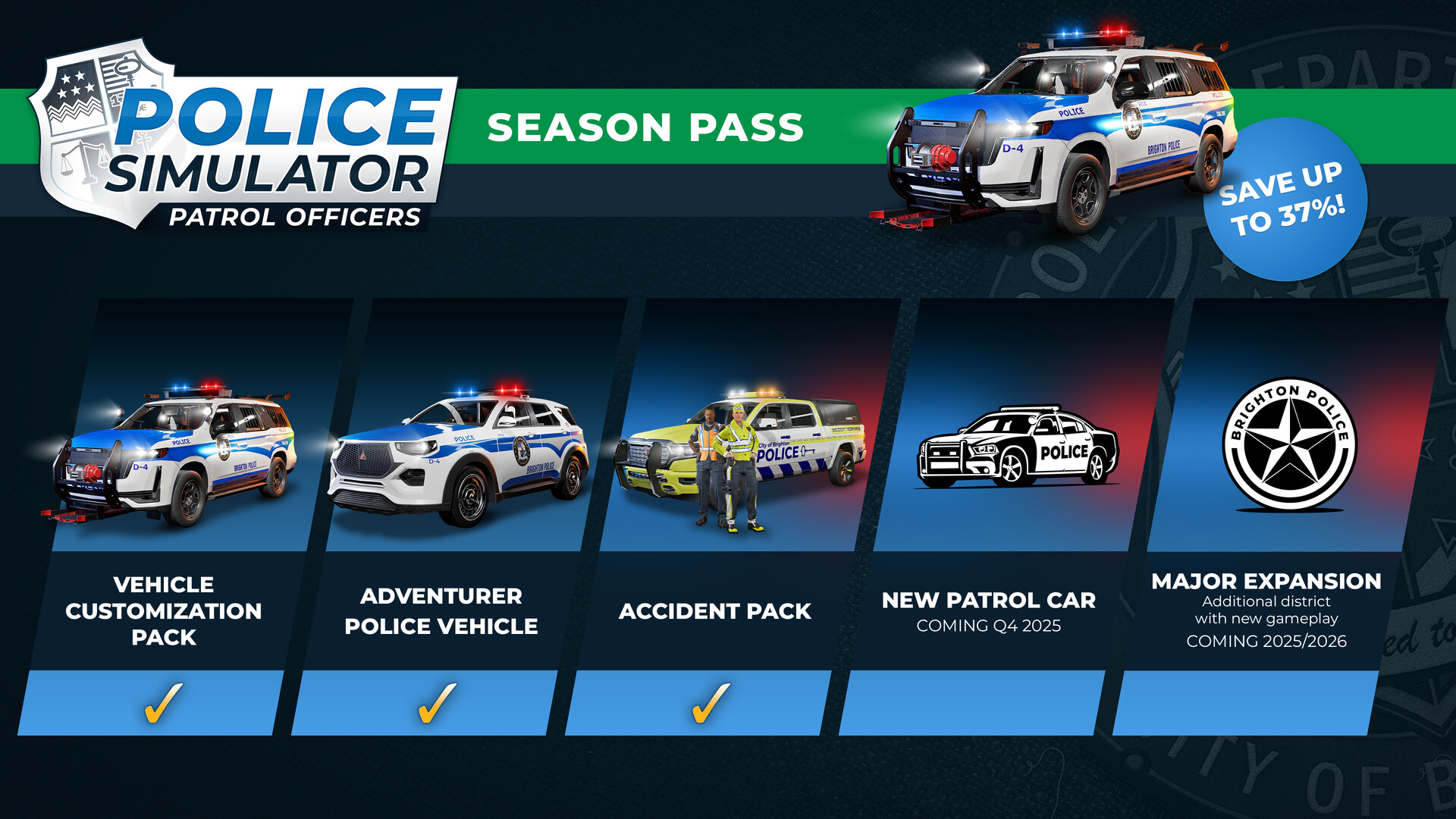
Police Simulator: Patrol Officers - Season Pass DLC RU + CIS
EUR 18.20
incl. VAT
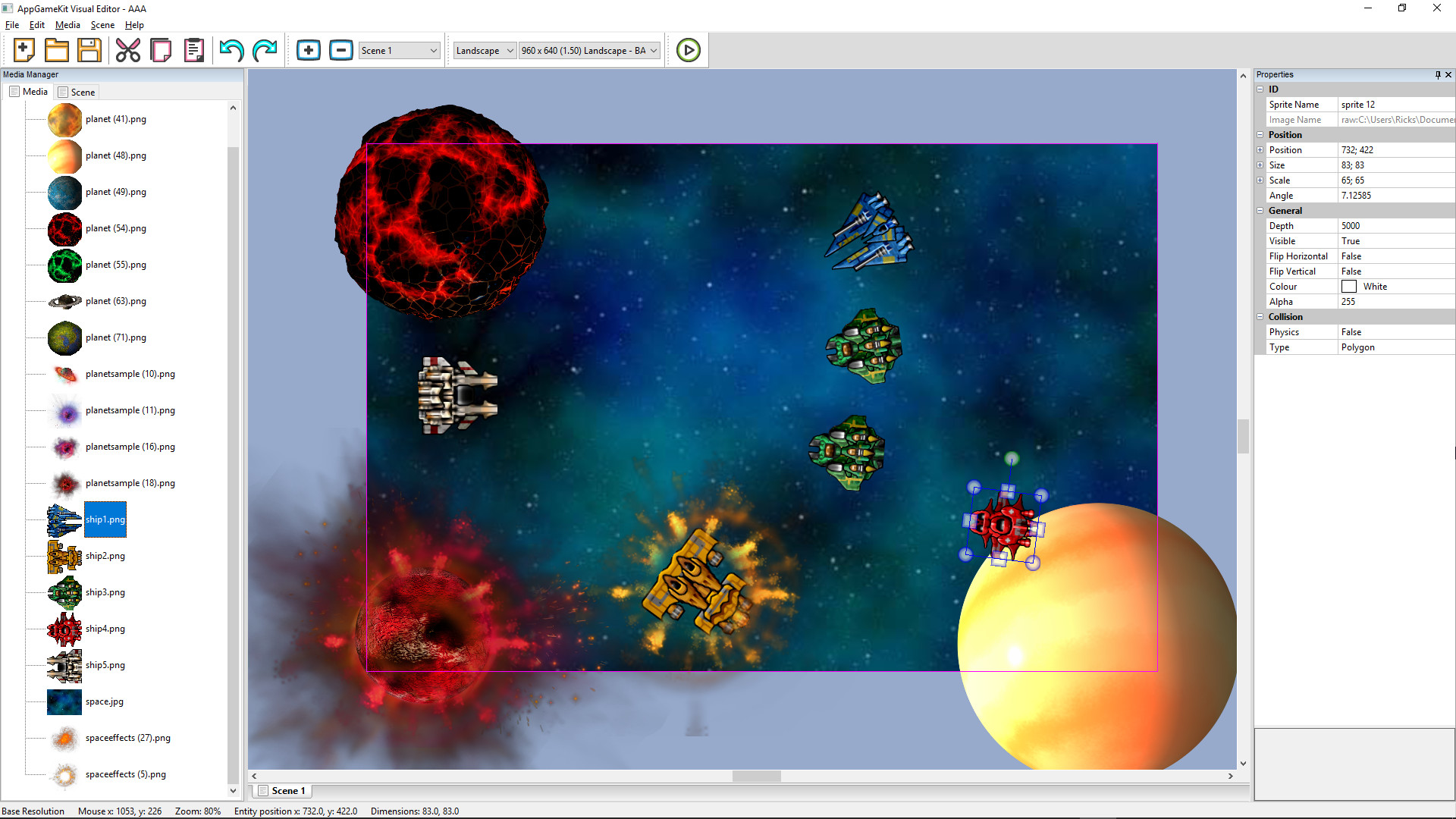
TheGameCreators policy is to keep improving our applications and DLCs.The AppGameKit Classic Visual Editor helps you design your apps faster and easier! Its new drag & drop tool takes away the guess work when it comes to 2D object placement, scaling and rotation. Key Features Easily design your app scenes Position, scale and rotate objects Supports Sprites, Text, Edit Boxes, Particles and Virtual Buttons Set properties of objects (transparency, colour, physics, etc) Multiple resolution support Define as many scenes as you want per project Exports AppGameKit Tier 1 Source Code Integrates with the AppGameKit IDE How the AppGameKit Classic Visual Editor Works The MediaVisual Editor imports your projects media files and allows you to drag & drop them into the main editor window. From there you can visually modify the media with controls to re-position, scale, rotate, set properties, duplicate and more.Setting Object PropertiesVisual Editor provides an easy way for object properties to be set up. You simply click on an object and its current properties will be displayed; you're then able to easily change any of the starting values for that object.The sprite properties you can configure are: Depth Visible Flip Vertical Flip Horizontal Colour Alpha Physics - 9 settings Collision Shape Animation Custom values You can also add in Text and Edit Box objects.Multiple ScenesMost apps will have more than one game scene (main menu, game play, game over, high score, etc). This is where the Visual Editor scene manager helps you. Simply choose a scene and design the items that need to appear within it.Cross Device TestingWith the multiple resolution support you can preview how your app will look on different devices that have varying resolutions and aspect ratios. You choose a base resolution and from that the Visual Editor will re-scale and re-position your sprites across the various, different resolutions. You can also make adjustments in any resolution to ensure your app looks the best on any device.Exporting and testingThe AppGameKit Classic Visual Editor integrates with the Tier 1 IDE allowing you to instantly test your visual projects. A project file is exported which you can then modify with your own code to bring your game logic to life. For Tier2 C++ developers a template project is provided.
No reviews yet — only verified buyers can review.
No comments yet — be the first to start the conversation.
We use strictly necessary cookies to run the site and, with your consent, preference and analytics cookies. See our Cookie Policy.